Creating a science promotional poster
Your challenge
Imagine you are working for the school’s Science Department. Your job is to convince primary school students that science is exciting, interesting and something they should look forward to learning in high school!
You will create a large, colourful promotional poster advertising science at our school.
Your poster should make primary school students think:
- Wow! Science looks exciting!
- I didn’t know science could do that!
- I want to learn more about science!
This is not a traditional research poster. You are creating an advertisement for science, so your job is to capture people’s attention, spark curiosity and show them some of the amazing things they could learn and experience.
Your audience: Primary school students (Years 5–6).
Your final product: A professionally designed A1 landscape poster that can be printed at Officeworks and displayed around the school.
Part 1 – Plan your poster
Before opening Canva, think about what makes science exciting.
Your poster must include the following:
| Requirement | What you should include |
|---|---|
| Catchy title | Something exciting such as “SCIENCE IS AWESOME!” or “DISCOVER THE WORLD OF SCIENCE!” |
| Exciting images | Photos or illustrations of experiments, space, animals, chemicals, technology or scientific discoveries. |
| Science activities | Show examples of things students might do in science lessons. |
| Interesting facts | Include 3–5 amazing science facts that will make primary students curious. |
| Science topics | Show some of the things students learn in high school science. |
| Call to action | Finish with an exciting message encouraging students to get involved in science. |
Ideas to include
You can choose from the following ideas or come up with your own.

Chemistry
- Colour-changing reactions
- Exploding volcanoes
- Acids and bases
- Making crystals
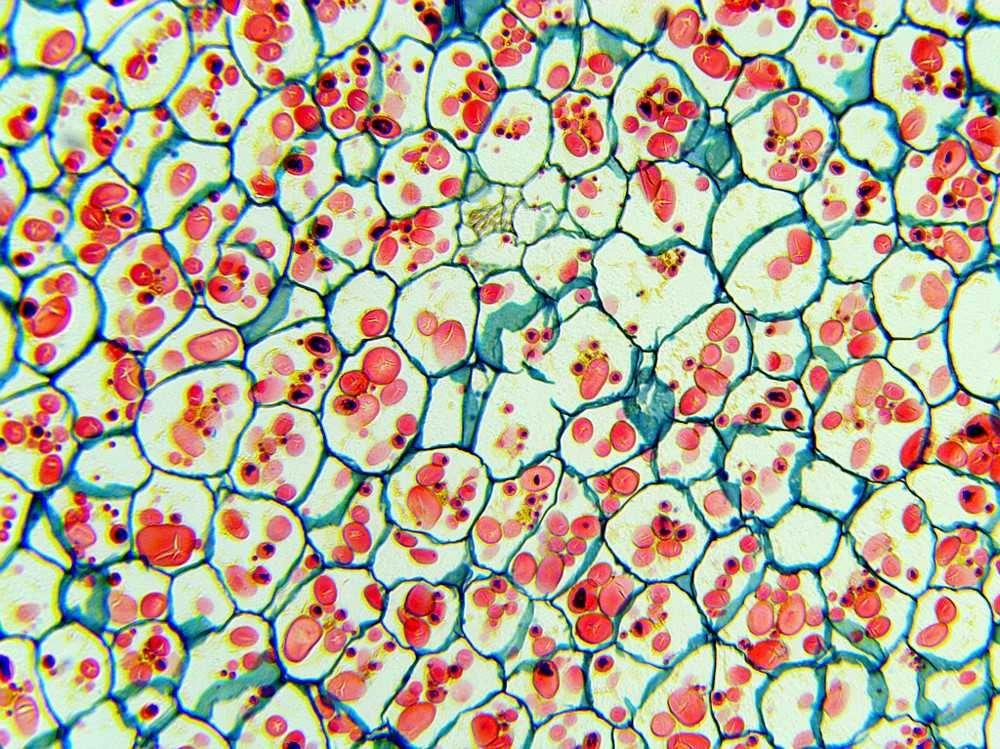
Biology
- Discovering cells
- Microscopes
- Human body
- Animals and ecosystems
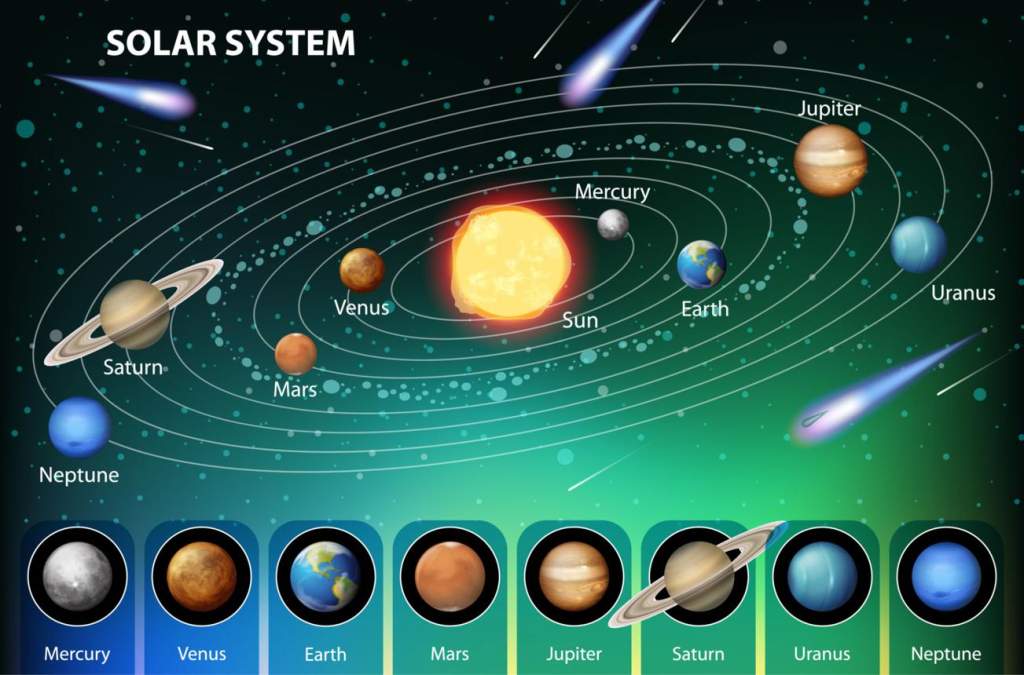
Earth and Space
- Planets and galaxies
- Volcanoes
- Earthquakes
- Weather and climate
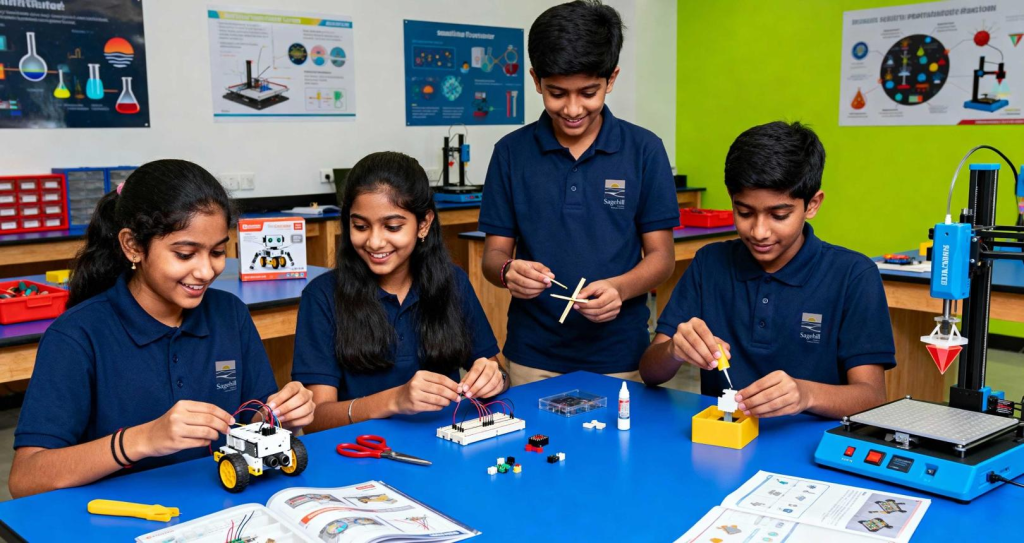
Physics and Technology
- Electricity
- Robotics
- Magnets
- Forces and motion
You do not need to include everything. Pick the most exciting examples that will make younger students want to study science.
Part 2 – Set up your poster in Canva
Complete these steps carefully before designing
We are going to create an A1 landscape poster. This is a large poster that will be printed professionally.
Step 1 – Open Canva
- Go to www.canva.com.
- Log in using your school account.
- Click Create a design.
- Select Custom size.
- Change the measurement from pixels (px) to millimetres (mm).
Step 2 – Enter the correct dimensions
Enter these exact measurements for correct printing:
A1 Landscape
841 mm wide
594 mm high
- Click Create new design.
- You should now have a large, blank landscape page.
STOP AND CHECK: Make sure your page is wider than it is tall. If it is taller than it is wide, you have selected portrait instead of landscape.
Step 3 – Give your design a name
At the top of Canva, rename your design and share it with editing access to the teacher. This will make it easier to find your work later.
Part 3 – Choosing fonts and colours
Your poster needs to attract the attention of primary school students. It should look exciting, modern and professional.
Recommended Canva fonts
You should use no more than TWO different fonts throughout your poster.
For your main title
LEAGUE SPARTAN
Highly recommended
ANTON
Bold, powerful and eye-catching.
BAUHAUS 93
Playful and energetic, if available in your Canva account.
For smaller headings and information
Montserrat
Poppins
Nunito
These fonts are clean and easy to read.
My suggested combination: League Spartan for your main title and Poppins for all other writing.
Recommended font sizes
Remember that your poster is going to be printed at A1 size. Small writing on your computer screen can become very difficult to read when printed.
| Poster element | Suggested font size |
|---|---|
| Main title | 65–100 pt |
| Section headings | 35–50 pt |
| Main information | 24–30 pt |
| Small facts and captions | 20–24 pt |
| Sources / credits | 14–18 pt |
Choosing colours
Choose 2–4 main colours that work well together. Some possible combinations:
Science and technology
Navy, blue, yellow and white
Nature and biology
Dark green, lime, mint and white
Space and discovery
Purple, violet, pink and white
Fun and experiments
Orange, yellow, teal and white
Remember: Make sure your text contrasts with the background. Dark writing on a light background or white writing on a dark background usually works best.
Part 4 – Designing your poster
Now it is time to get creative!
Your poster should have a clear layout. Here is a suggested arrangement:
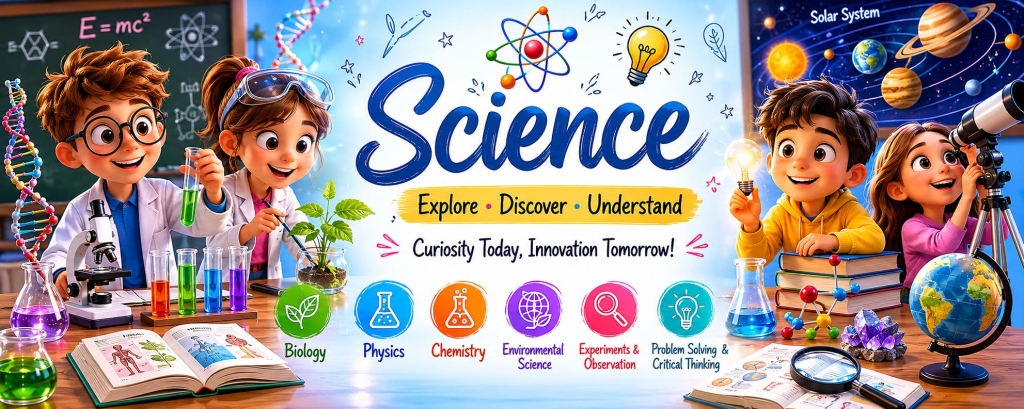
Suggested layout
| Area | What to put there |
|---|---|
| Top | A large, exciting title and catchy slogan. |
| Left side | Chemistry and exciting experiments. |
| Centre | Your biggest image or illustration to grab attention. |
| Right side | Biology, space, physics and technology. |
| Bottom | Interesting facts and a message encouraging students to study science. |
You can arrange your poster however you like, provided all the required information is included.
Finding images in Canva
- Select Elements from the left-hand menu.
- Search for things such as:
- Science experiments
- Chemistry laboratory
- Microscope
- Solar system
- Robotics
- Electricity
- Dinosaurs
- Human body
- Select images, illustrations or graphics that suit your design.
- You can also use the Photos section to find realistic images.
Try to use a combination of photographs, illustrations and diagrams.
Important: Use good-quality images. Avoid stretching small images to fill large areas because they may become blurry when printed.
Catchy slogans you could use
- Science: Discover Something Amazing!
- Think Big. Explore More. Discover Science!
- The Future Starts With Science!
- Ask Questions. Make Discoveries!
- Science Is Everywhere!
- Experiment, Explore, Invent!
You are welcome to invent your own slogan.
Part 5 – Exporting your poster for printing
This is one of the most important steps!
Your poster will be printed at Officeworks, so you must export it in the correct format.
Follow these instructions carefully.
Step 1 – Download your poster
- Click Share in the top-right corner.
- Select Download.
- Find the File Type option.
- Select PDF Print.
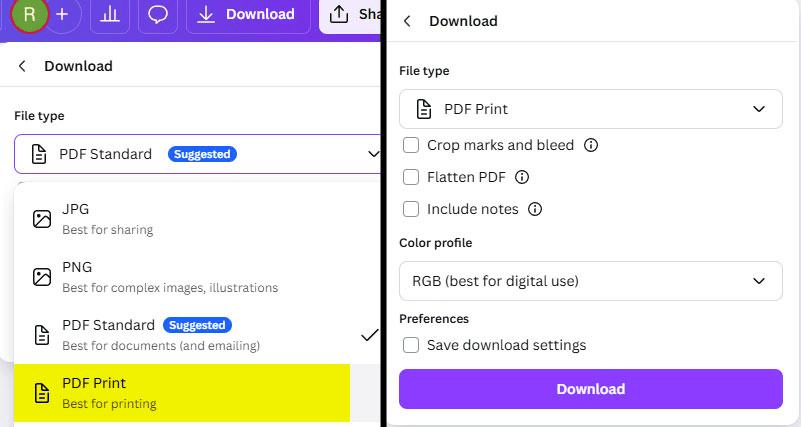
Step 2 – Check your export settings
- File type: PDF Print.
- Crop marks and bleed: Leave OFF unless your teacher specifically requests otherwise.
- Flatten PDF: Leave OFF unless instructed otherwise.
- Pages: Make sure you are downloading your completed poster.
Click Download.
Step 3 – Check your PDF
Before submitting, open the PDF you have downloaded.
Check the following:
- The poster is landscape.
- The poster is A1 size (841 mm × 594 mm).
- Everything fits on ONE page.
- No writing or images have been cut off.
- All writing is readable.
- The images are clear and not pixelated.
Step 4 – Save your file correctly
Save your file using this format: FirstName_LastName_SciencePoster.pdf
For example: Jack_Smith_SciencePoster.pdf
Your final submission must be a PDF file. Do not submit a screenshot, photograph, Word document or Canva sharing link.
Part 6 – Final checklist
Before submitting your poster, make sure you have completed everything.
My poster is ready!
My poster is designed to advertise science to primary school students.
I have included an exciting title and slogan.
I have included examples of science experiments and activities.
I have included several different areas of science.
I have included 3–5 interesting science facts.
I have used interesting and relevant images.
I have used no more than two different fonts.
My poster is colourful, attractive and easy to read.
I have checked my spelling and grammar.
My Canva document is set to A1 landscape (841 mm × 594 mm).
I have kept important information away from the edges.
I have downloaded my poster as PDF Print.
I have opened and checked my exported PDF.
I have saved my file using the correct naming format.
How will your work be assessed?
| Assessment criteria | Marks |
|---|---|
| Creativity and ability to attract the attention of primary school students | /8 |
| Examples of science topics, experiments and activities | /6 |
| Interesting and accurate science facts | /5 |
| Quality of images, illustrations and visual presentation | /5 |
| Layout, fonts, colours and readability | /4 |
| Correct A1 PDF export and submission | /2 |
| Total | /30 |
A final message: This is your opportunity to show younger students just how exciting science can be. Be creative, think outside the box and make something that would make a Year 5 or 6 student excited about coming to high school science!

